

Parking for University of Denver Athletics
Buy parking in advance for The Denver Pioneers and enjoy faster entry, less stress, and more time enjoying your visit.
Book Parking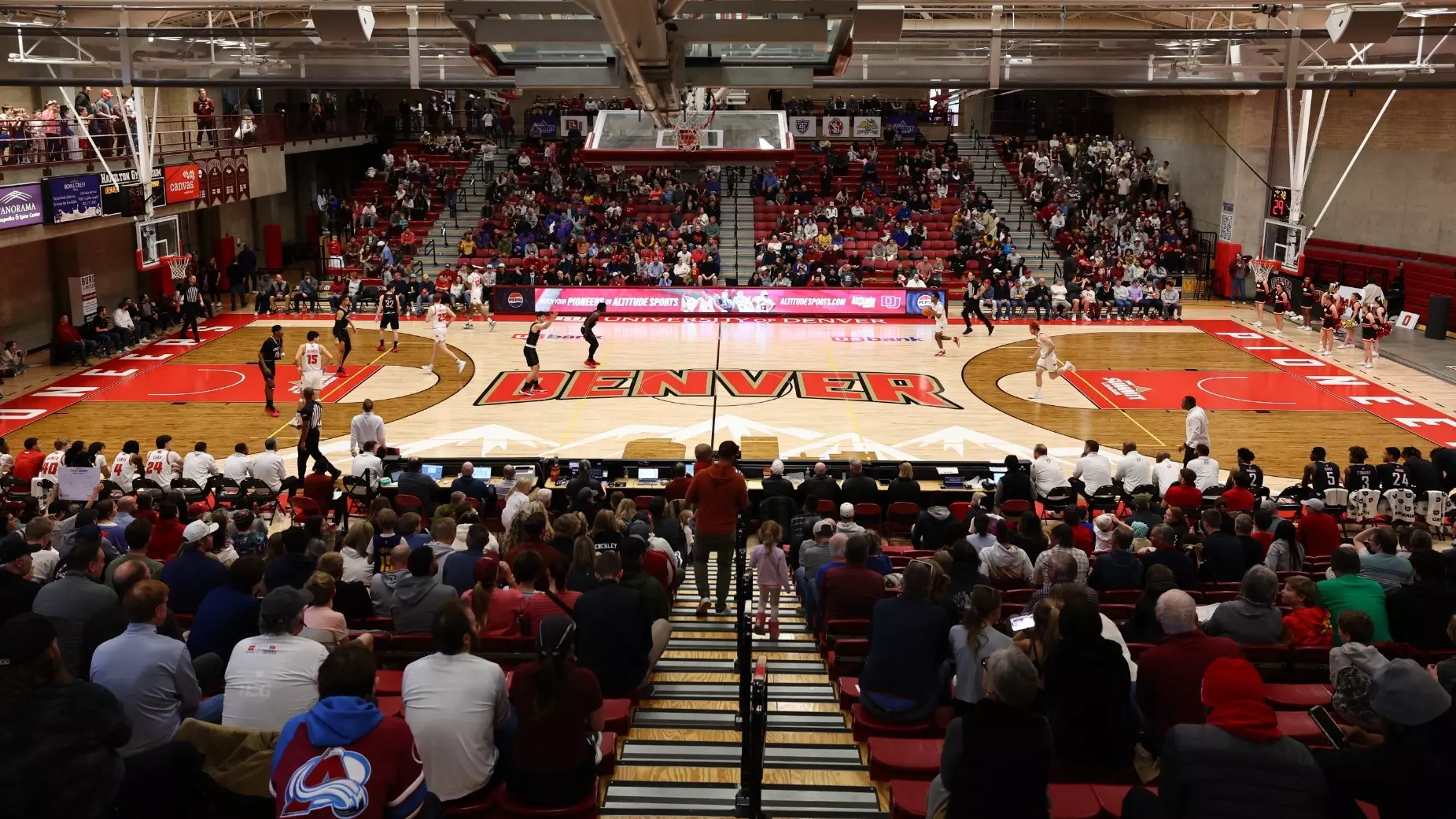
VENUE INFORMATION
About
With a proud history of NCAA Division I success, the Denver Pioneers compete in a wide range of sports while fostering academic achievement, personal growth, and community engagement. Denver Athletics provides an environment where athletes can thrive, representing the university with integrity, teamwork, and a commitment to performance at the highest level.
Visitors attending Denver Athletics events can enjoy a welcoming game-day experience on campus. Parking is available in designated university lots near athletic facilities, with clear signage and easy access to venues.
Pre-booking parking is strongly recommended to secure your spot.
Features
- Paved
- Multiple Parking Lots
- ADA Accessible Parking
- Short walk to venue
- Large Vehicle Compatibility
Hours
Parking lot opening and closing times vary by event. These times will be clearly noted during the parking purchase flow and included in your confirmation email after you complete your booking.
HOW TO BOOK PARKING FOR UNIVERSITY OF DENVER ATHLETICS EVENTS
Choose your event from the event calendar
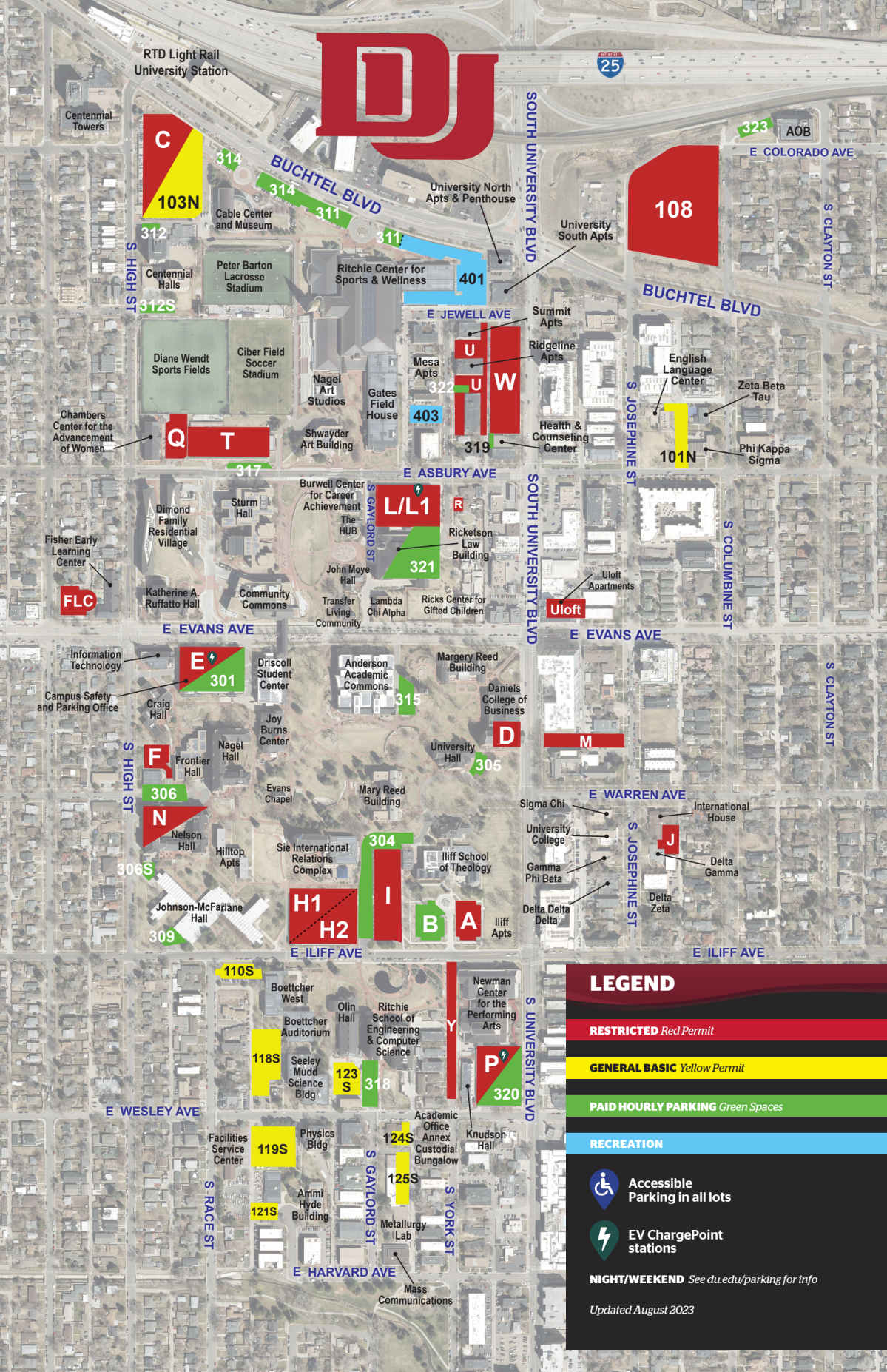
Select what area you’d like to park in
Your parking pass will be sent to you via email
FREQUENTLY ASKED QUESTIONS
You can reserve your parking space online via the University of Denver’s event parking web page. Select your event, choose a parking lot, and complete your booking through JustPark. After purchasing your parking pass will be emailed to you.
Refunds or exchanges are generally not available. Please double-check your event date and time before booking.
Pre-booking is strongly recommended to guarantee your spot. While onsite payment may be available, it’s not guaranteed as lots can fill up on event days.
After booking, you’ll receive detailed directions, lot names, and nearby landmarks. Be sure to arrive early to allow extra time for traffic and entry.
Yes. You can transfer a pass by forwarding the confirmation email or printing and sharing the pass with the new user